
Desktop experience
Any photo. Fixed in one click
Experience ClearCrowds's AI crowd removal studio on widescreen with calibrated previews and keyboard-first controls.
- 95%
- Average cleanup accuracy
- 4K
- Maximum export quality
- <10s
- Average render time
Designed for production teams
Everything you love on mobile, tuned for large screens and precise controls.
Precision masking
Trace around any subject with automatic edge detection and see instant previews before you commit.
Guided workflow
Switch between presets, history steps, and quality checks without leaving the canvas.
Share-ready exports
Confirm the final look and export watermark-free 4K files optimized for web or print.
Keep using ClearCrowds anywhere
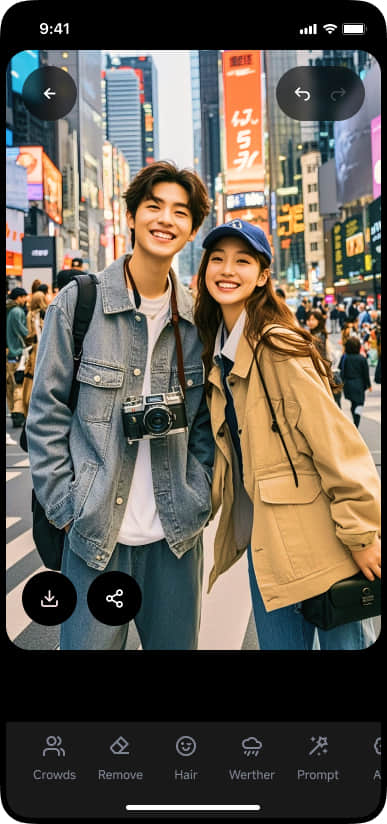
Review edits, kick off renders, and capture ideas from the mobile app—everything stays synced with desktop.
Use the same ClearCrowds account to sync credits, toolbars, and project history.
Edits sync instantly between desktop and mobile so you never lose progress.
Upload fresh shots from your camera roll right after the session.
Receive push notifications when desktop renders finish.
Review tutorials and reach support anywhere.
Toolbars tuned for every scene
Launch premium ClearCrowds toolbars to remove crowds, relight venues, and style frames without leaving desktop.
A pro workflow in three steps
Stay focused with a guided editing flow from upload to delivery.
Upload any high-resolution JPEG or PNG and highlight what needs to change.
Pick an AI tool, adjust presets, and review the live preview side-by-side.
Approve the version you love and download in one click.
Work where your team is
Your edits stay in sync with the ClearCrowds mobile app for seamless collaboration.
Tip: keep this tab open while high-quality renders finish.